Pick your device.Start watching.
Your login arrives by email after your order. Choose your device below and follow the steps — most setups take a few minutes.
The player your TV deserves.
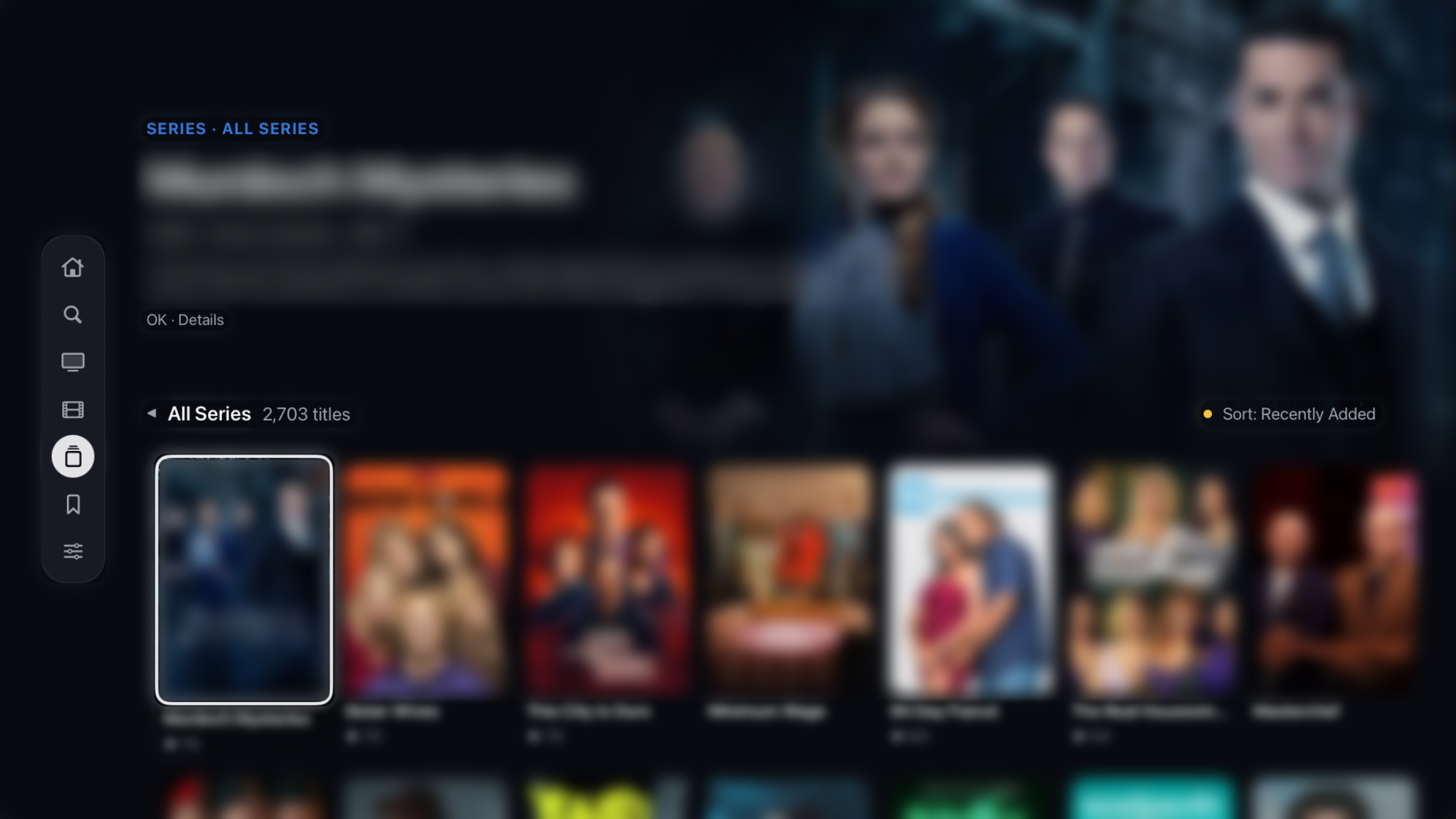
Your EdgeTV channels in a real app: a TV guide that looks like TV, movies and series laid out like a streaming app, and playback that picks up where you left off.
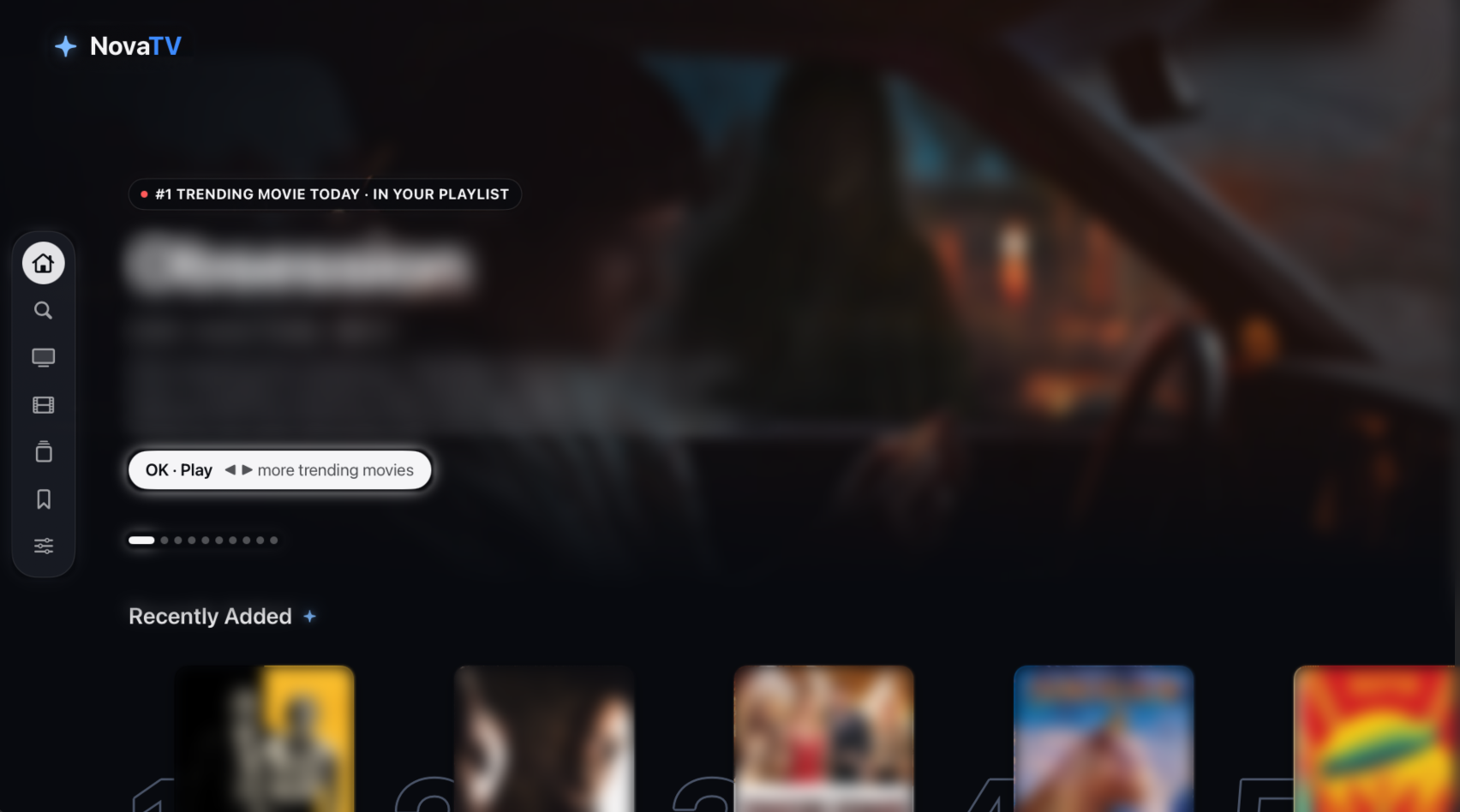
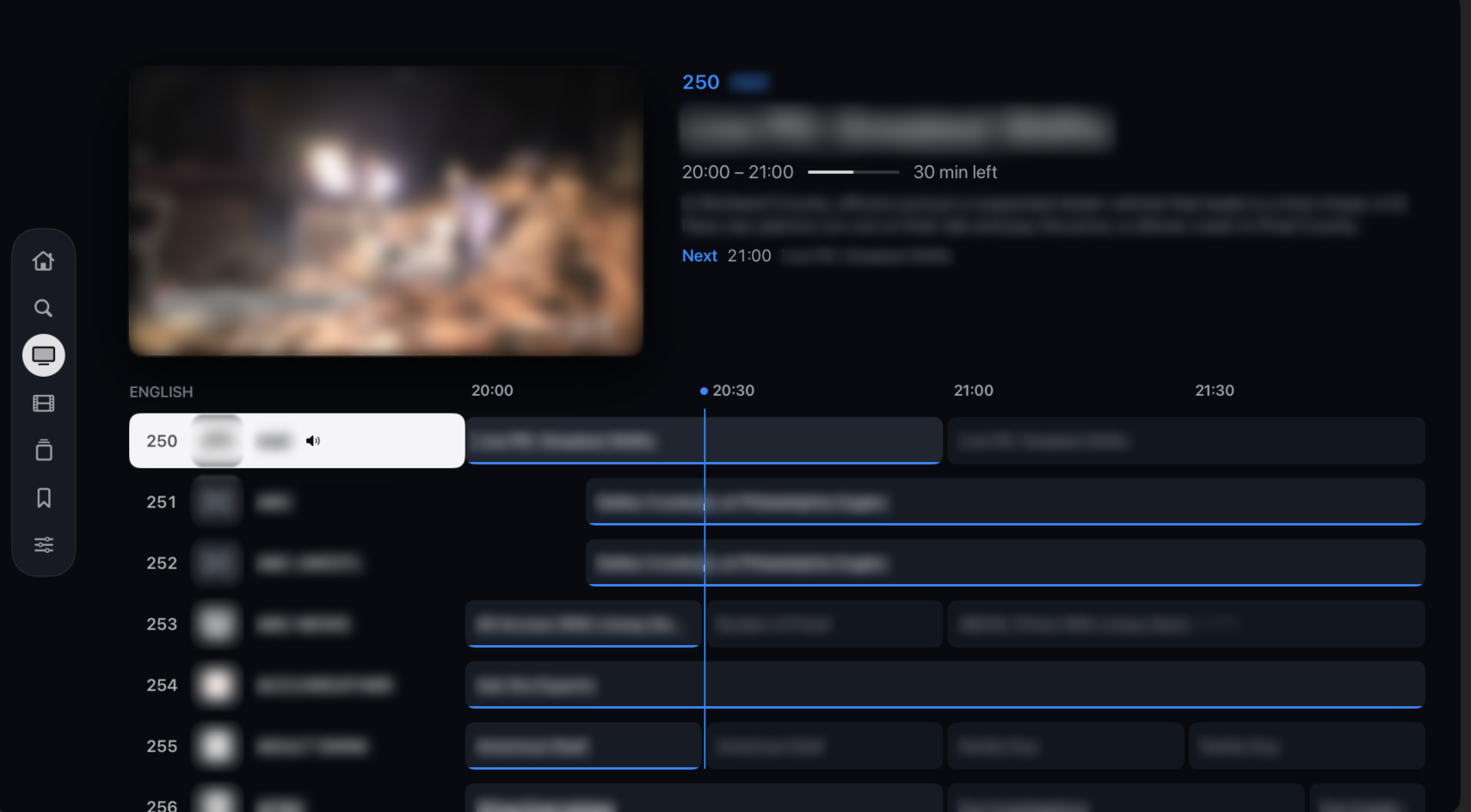
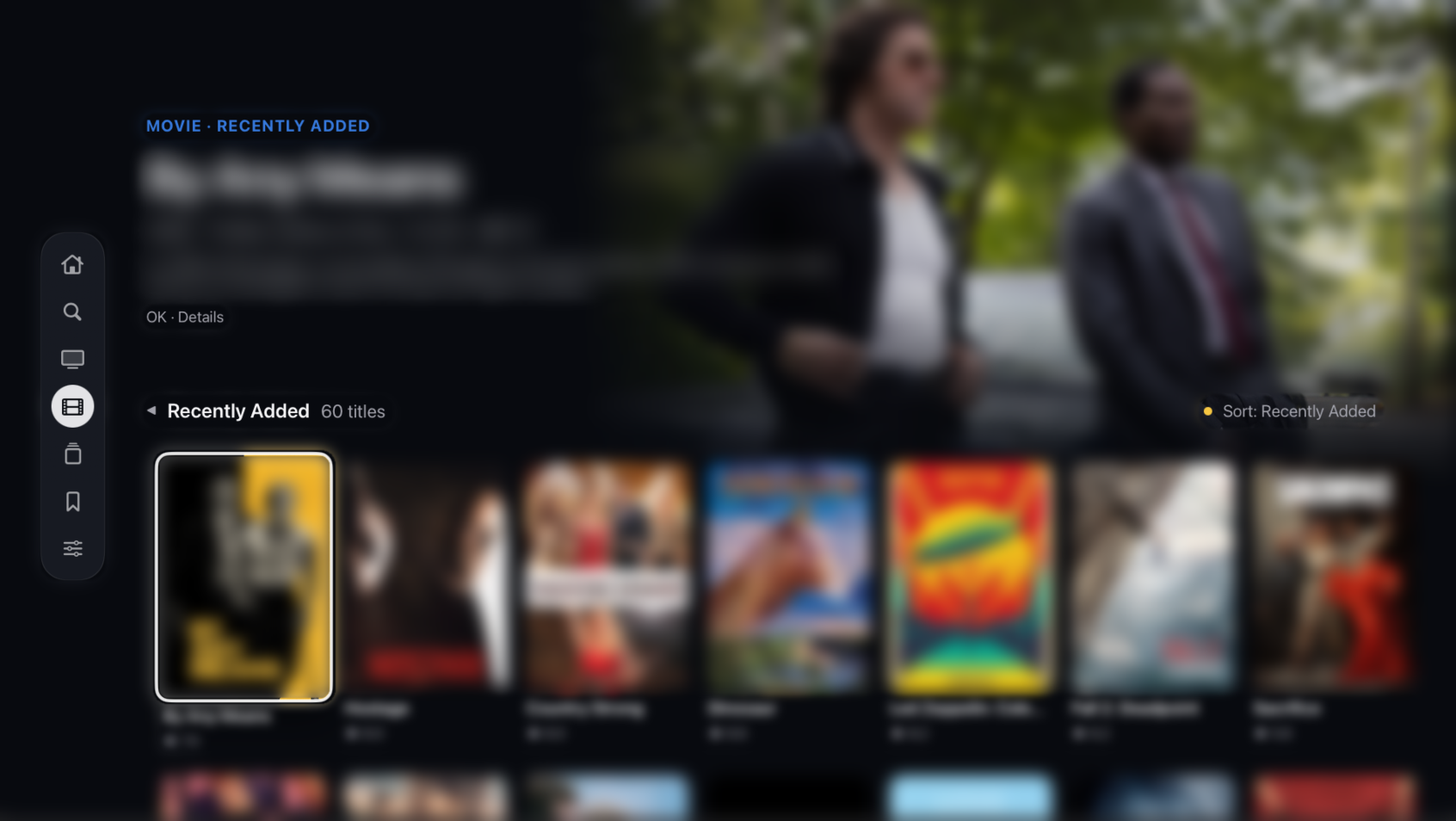
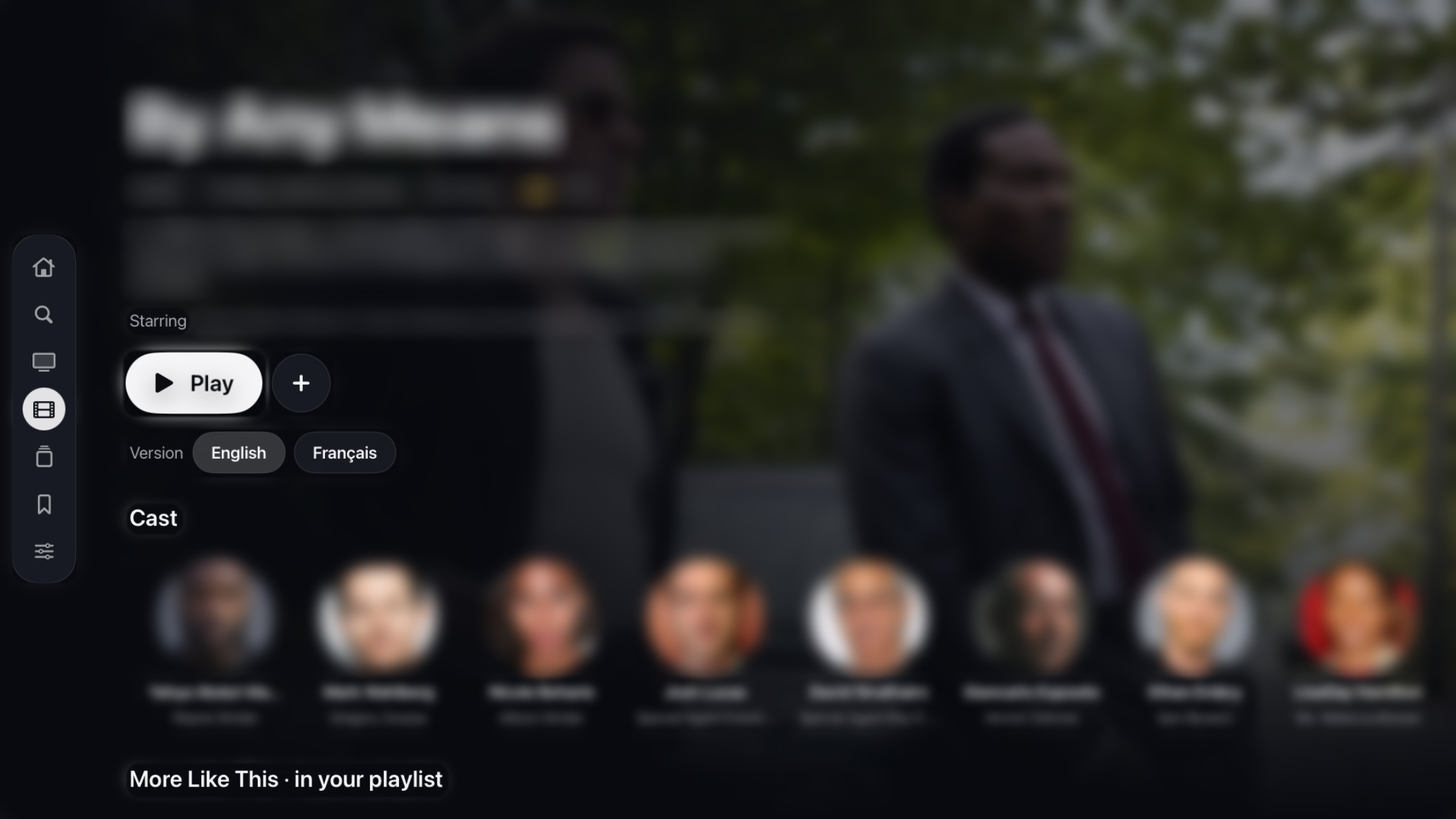
Good to know — Nova TV is an independent player app, made by Nova Media Labs. It isn’t an EdgeTV product, and it isn’t included in your EdgeTV subscription for now. After the 7-day trial, activation is a one-time purchase made directly on novatv.dev. No refunds — the trial is there so you can try it first.
Install Nova TV
Android TV, Google TV and Formuler boxes — the same steps everywhere.
Install Downloader
From your device’s Play Store.
Enter the Nova TV address
In Downloader, clear the URL field, type this address and press Go. The Nova TV download starts on its own.
Add your EdgeTV service
Open Nova TV, choose Xtream Codes, then enter the server, username and password exactly as they appear in the email you got after your order.
Enjoy your 7 days
Everything is unlocked during the trial. To keep going, buy a code on novatv.dev and enter it in Settings › Activation — your favourites and progress stay.
Got a Fire TV or Firestick? Nova TV is still being optimized for it, so for now use one of our free apps just below — install Downloader from the Amazon Appstore, then enter its code. Note: Fire OS updates can block apps installed outside the store.
Prefer a free option?Our preconfigured TiviMate, or IPTV Smarters Pro — simpler, without the enriched guide or detailed title pages
iPhone, iPad & Apple TV
Install Smarters Player Lite
In the App Store, search “Smarters Player Lite” — the free official app by WHMCS Smarters — and install it.
Add your login
Open it, accept the terms, and choose Login with Xtream Codes API. Enter any name, then the username, password and server URL from your email.
Tap Login
Channels, guide, movies and series load automatically.
Smart TVs — LG & Samsung
Samsung (Tizen)
Open the App Store, search “IPTV Smarters”, install it, and add your Xtream Codes login.
LG (webOS)
In the LG Content Store, search “IPTV Smarters”, install it, and enter your login.
Tip: some Smart TVs are slow or limited. For the best experience, an Android or Formuler box with Nova TV is our first choice.
Setup questions.
Why pay for a player app?
The guide, catch-up, favourites and parental controls — most players offer those. What sets Nova TV apart is what it does with your playlist:
- It fixes what your provider sends. For many channels with no schedule, Nova finds a guide by itself, marked with its ★ — not for every channel, but for a lot of them, including upcoming games on sports channels. Elsewhere, you hunt for extra guide links and add them by hand.
- Groups that finally make sense. Movies and series rebuilt into All Movies, New Releases, by genre, Kids, French… however your provider named or ordered them.
- One title, one card. The English and French versions of the same movie become one card with a language choice, instead of duplicates everywhere.
- It shows you what’s in your playlist. A Home screen with what’s trending and popular in your own playlist, the latest trailers and “Because you watched…”, collections by studio, saga or theme (like Christmas), actor pages, and suggestions on every movie.
- In English or French. Posters, synopses, cast and trailers, with French descriptions and trailers when they exist.
- One licence, several screens. Android TV, Google TV and Formuler today; LG, iPhone, iPad and Apple TV coming — with a Household licence for up to 5 devices.
In one line: other players show what your provider sends; Nova TV fixes it. And the 7-day trial is free — judge for yourself.
Is Nova TV included in my subscription?
Not for now. Nova TV is an independent player app: your EdgeTV subscription provides the channels, Nova TV is what you watch them in. The 7-day trial is free, then activation is a one-time purchase on novatv.dev. You can also use our preconfigured TiviMate or IPTV Smarters Pro for free.
Which devices are supported?
Android TV, Google TV and Formuler boxes (with Nova TV, TiviMate or IPTV Smarters), Fire TV and Firestick (with TiviMate or IPTV Smarters for now), iPhone, iPad and Apple TV, Samsung and LG Smart TVs, MAG boxes, and Windows or Mac computers.
What internet speed do I need?
At least 10 Mbps for HD and 25 Mbps or more for 4K. A stable connection matters more than raw speed.
Do I need a VPN?
It isn’t required. A VPN can help if your internet provider throttles streaming traffic, and it adds privacy.
My login or playlist isn’t working.
Re-check the username, password and server exactly as they appear in your email — one wrong character stops it. Still stuck? Contact us.
The picture freezes or buffers.
Usually the device or connection: Wi-Fi signal, ISP throttling, or a low-powered stick. Try a wired connection or a dedicated Android or Formuler box first.
Important legal & hardware notice
Reseller status. We act strictly as a reseller of IPTV services. We do not own, manage or maintain the servers used to stream content, and we do not store any media. Our role is limited to providing access credentials to existing third-party platforms.
Hardware & apps. We are not responsible for your hardware (Firesticks, TVs, boxes) or the apps you choose. Nova TV is made by Nova Media Labs and provides no content; app bugs, overheating, storage limits and operating-system updates are outside our scope of support.
Device limits. Firesticks, ONN boxes, budget Android sticks and low-end Smart TVs may freeze, buffer or run slowly. These are hardware limitations of the device, not the stream. By purchasing, you acknowledge we do not support device malfunctions, app bugs or OS restrictions, and that low-performance hardware is used at your own risk.